LEGO Minifigure Scanner – Free Code Finder
Identify LEGO Collectible Minifigures boxes with our free minifigure scanner. Scan the code on the bottom of a supported box with your camera, or type it in, to find out which character is inside before you buy.
You can also browse the minifigure code lists for each series and keep track of the characters you own and still want.
Point it at the small square code on the bottom of the box. The camera is only used while you scan.
Codes are matched on your device. Camera video and photos are never uploaded.
Scanner settings
My collection
Saved in this browser only
See every series on one page in the LEGO minifigure checklist, with a printable list and backup tools.
How to Use the LEGO Minifigure Scanner
- 1 Open the scanner
Tap Open camera scanner and allow the camera. Every supported series is searched at once, so there is nothing to pick first.
- 2 Point at the square code
Hold your phone 5–10 cm from the small square code on the bottom of the box and keep it still.
- 3 We check the code
The 7-digit number in the code is matched against our list of known codes, right on your device.
- 4 See the character
The figure, series and picture appear, with a button to save it to your collection.
If your camera cannot read the code, switch to Type code and enter the 7-digit number, or use Upload photo with a clear close-up of the code.
LEGO Minifigure Code Lists
Browse each series to see every known box code and the character it belongs to.
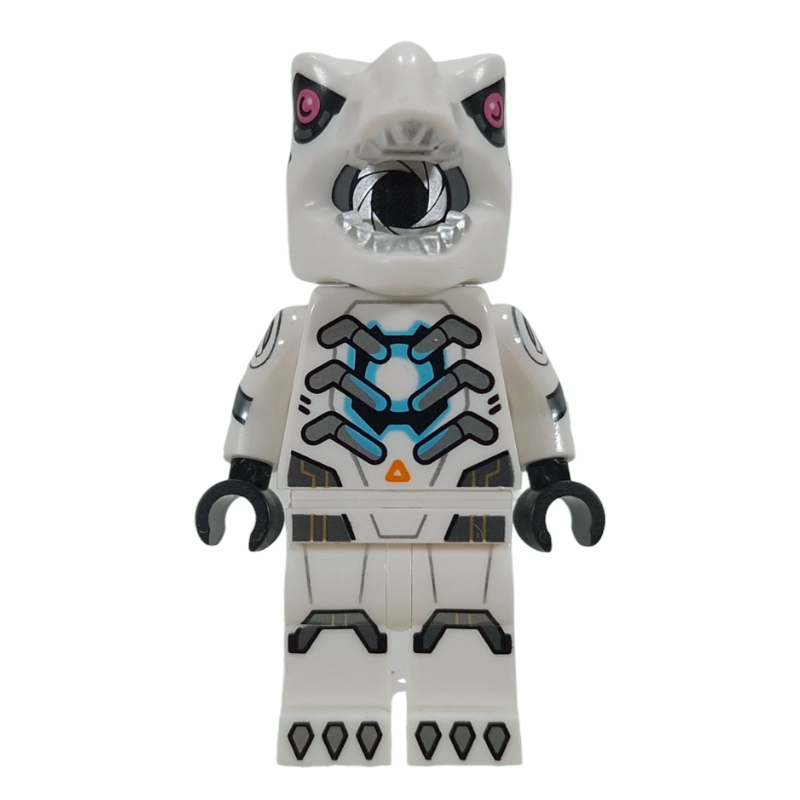

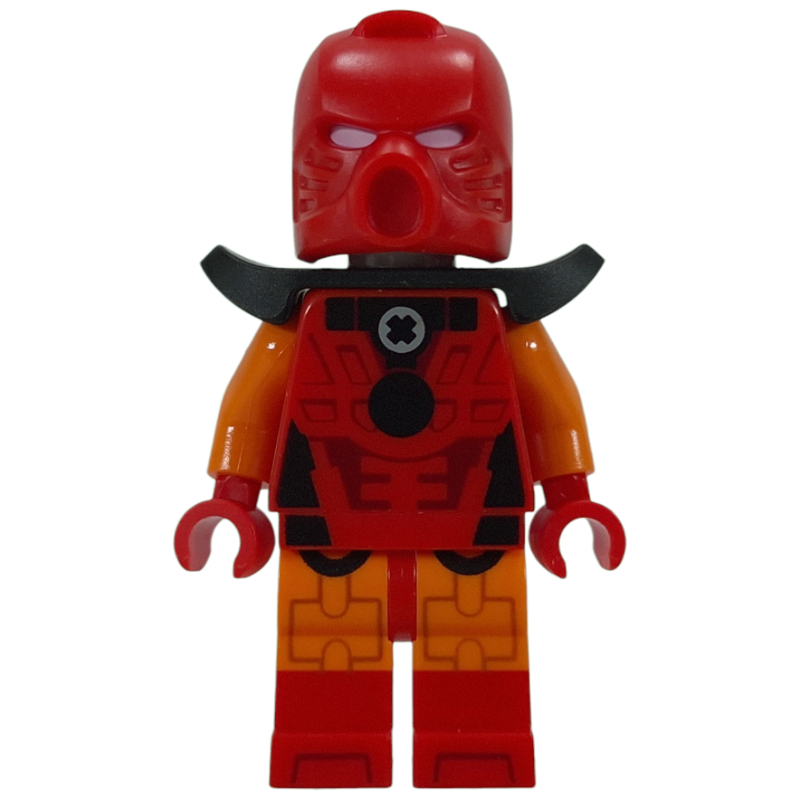
LEGO Series 29 Codes
Set 71052 · 12 figures · 36 codes (35 confirmed)
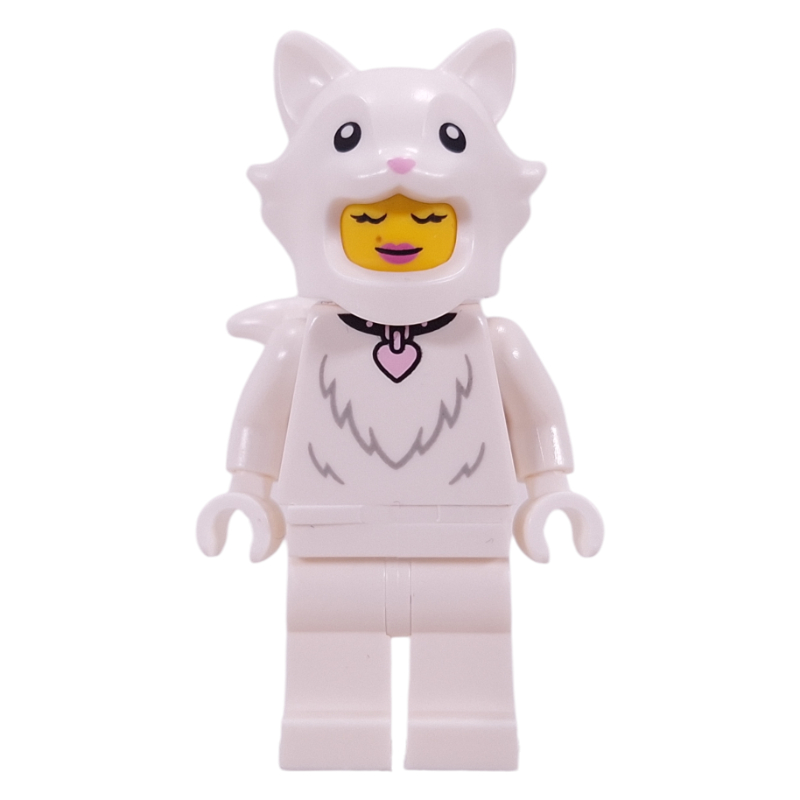

LEGO Series 28 Codes
Set 71051 · Animals · 12 figures · 36 codes (36 confirmed)All supported minifigure codes in one searchable list. Which codes we list depends on the series and on codes checked so far; each one shows whether it is confirmed or provisional.
How Minifigure Code Scanning Works
Every Collectible Minifigures box has a small square Data Matrix code on the bottom. The first 7 digits in it identify the figure. The letter that follows tells you which factory packed the box (R = Mexico, S = Czech Republic), and each factory uses its own codes, so one figure can have several. The scanner reads the code, takes those 7 digits and looks them up. Codes we do not know yet are shown as unknown, never guessed.
Tips for Scanning Packaging Codes
- Fill the frame with the small square code, not the whole box.
- Tilt the box slightly to get rid of glare from shop lights, or turn on the flashlight if your phone offers it.
- If the camera will not focus that close, step back a little and use the 2× zoom button.
- Still stuck? Type the first 7 digits printed next to the code, or take a close-up photo and use Upload photo.
Frequently Asked Questions
Is the LEGO minifigure scanner free?
+
Yes. The scanner and code lookup are free, with no account, no app download and no scan limit.
How does the LEGO minifigure scanner work?
+
It reads the small Data Matrix code printed on the bottom of a Collectible Minifigures box, takes the 7-digit number at the start of that code, and checks it against our list of known codes for each series. The match happens on your device.
Can I scan LEGO minifigure QR codes?
+
The square code on the box looks like a QR code, but it is a Data Matrix code. Our scanner reads Data Matrix codes, which is what the box uses. It does not read the long retail barcode, which is the same on every box in a series.
Can I use the scanner on my phone?
+
Yes. It works in Safari on iPhone and Chrome on Android, as long as you allow camera access. If the camera struggles to focus on the tiny code, type the 7-digit number instead, or take a close-up photo and use Upload photo.
Which LEGO minifigure series are supported?
+
Series 28 (Animals, set 71051) and Series 29 (set 71052). The scanner checks every supported series at once, so you do not need to pick one first. New series are added once their box codes are checked against more than one source.
Does every box code identify a specific minifigure?
+
Only codes we have on file. If a code is read but not in our list, the scanner shows it as unknown instead of guessing. Each known code is marked Confirmed (two independent sources agree) or Provisional (one source so far).
Where can I find LEGO Series 28 and Series 29 codes?
+
Each series has its own code list page with every known code, the factory it comes from and its verification status. You can also search both series at once on the minifigure codes page.
Why didn’t my box scan?
+
Make sure you are scanning the large square code, hold the phone close and still, and avoid glare. Older series used different packaging that this scanner does not read. If the code is read but not recognised, it may be a new production batch; please tell us what was inside.
Do the codes differ by country?
+
Yes. LEGO packs these figures in two factories, Mexico (boxes sold mainly in North America) and the Czech Republic (Europe and the UK), and each factory uses different codes for the same figure. The scanner knows both.
Is this an app?
+
No download is needed. It is a web page that works like an app: open it in Safari or Chrome, allow the camera, and scan. You can add it to your home screen for quick access in store.
Is BrickFinder affiliated with LEGO?
+
No. BrickFinder is an independent fan-made tool. LEGO is a trademark of the LEGO Group, which does not sponsor or endorse this site.


